
Product Feed – What It Is and How to Generate It: A Guide Using PriceWars II for PrestaShop

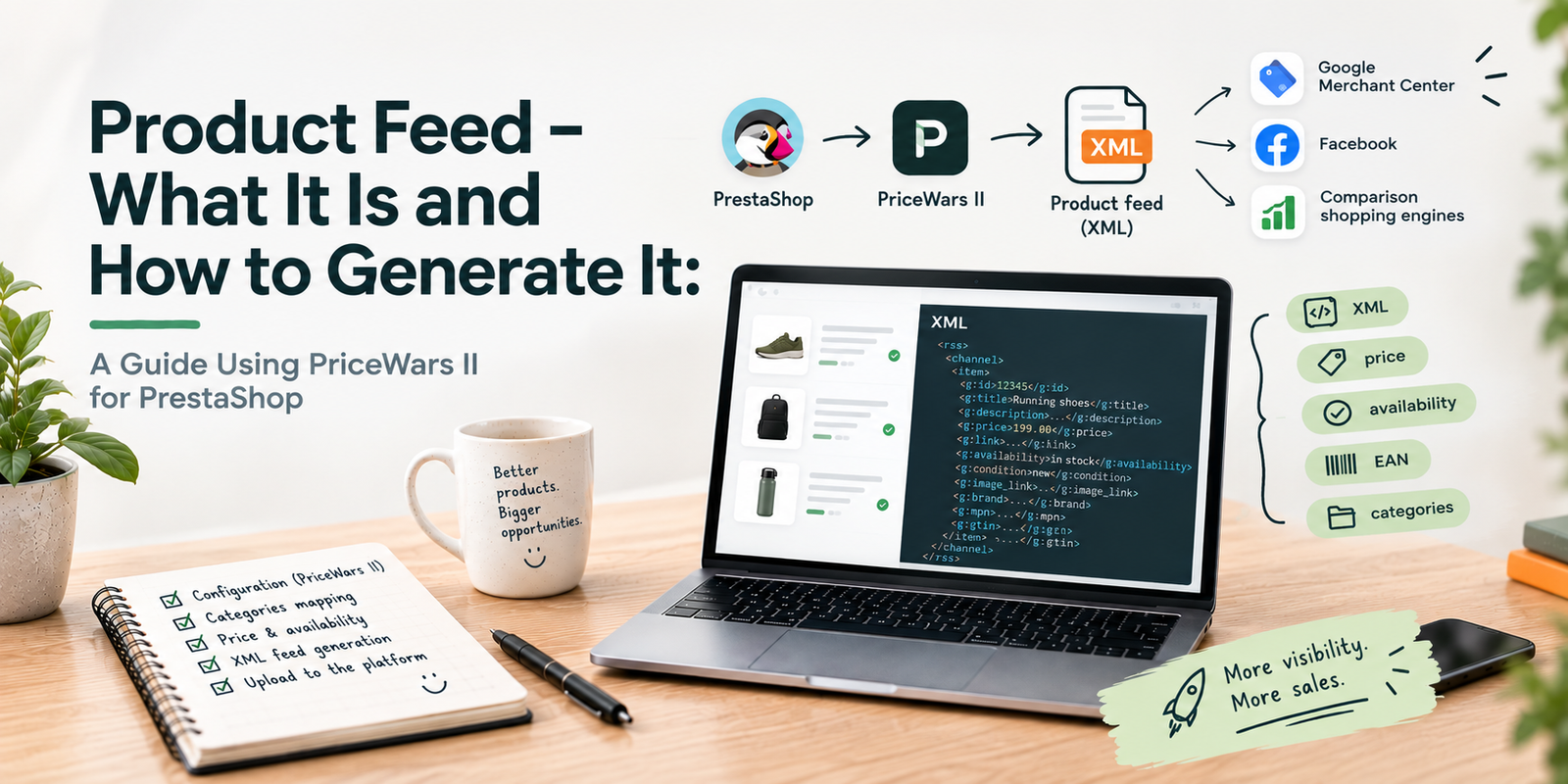
Many advertising and marketplace platforms (such as Google Merchant Center, Meta Catalog, Ceneo, and price comparison engines) allow you to run automated, dynamic product campaigns. To take advantage of them, you must supply them with a product feed.
A product feed is simply a structured catalog of your store's inventory saved in a machine-readable file format (usually XML or CSV). For every product, it contains vital attributes: title, description, price, product URL, high-resolution image URL, stock availability, and unique identifiers (such as SKU or EAN/GTIN). Rather than manually uploading hundreds or thousands of SKUs into each ad platform, you provide the platform with a single feed URL. The platform then reads and synchronizes your catalog automatically on a scheduled basis.
Why Is a Product Feed Essential?
Without an automated product feed, running scalable e-commerce marketing is virtually impossible. Here are the core benefits:
- Always up-to-date pricing and inventory: When an item goes out of stock or changes price in your shop, the feed reflects this automatically, preventing wasted ad spend on unavailable goods.
- Google Shopping & Dynamic Remarketing: High-performing Google Performance Max and Meta Dynamic Product Ads (DPA) rely directly on feeds to display the exact items a user recently viewed.
- Multi-channel distribution: The same underlying product data can be formatted and fed into Google Ads, Facebook & Instagram Shops, TikTok, Pinterest, and regional marketplaces.
Generating a Product Feed in PrestaShop with PriceWars II
While there are several feed generator modules available for PrestaShop, PriceWars II remains one of the most reliable, battle-tested, and flexible modules for both small stores and catalogs with tens of thousands of products.
Step 1: Installation and Basic Configuration
After uploading and installing the module in your PrestaShop admin panel:
- Navigate to the PriceWars II settings dashboard.
- Select your target platform format (e.g., Google Shopping / Google Merchant Center, Facebook Catalog, or a custom XML schema).
- Choose which languages, currencies, and tax rules should be mapped to the feed.
Step 2: Category and Attribute Mapping
Ad platforms require specific taxonomy categorizations. For example, Google Merchant Center uses its standardized Google Product Category taxonomy.
In PriceWars II, you can map your internal store categories directly to the corresponding Google categories. You can also define default brand names, configure shipping cost tables, and select whether to include product combinations as separate child items or parent groups.
Step 3: Setting Up Automated Feed Generation (Cron Job)
Generating a large XML feed on the fly during a web request can exhaust PHP memory and timeout. Therefore, the recommended production approach is static file generation via a Cron job:
- In the module, obtain the dedicated CLI or HTTP Cron generation URL.
- Configure your hosting server crontab to execute this script periodically (e.g., once or twice daily during off-peak hours).
- The module writes a static
.xmlfile to your server disk, which can then be fetched instantaneously by ad platforms without placing any strain on your active database.
Best Practices for High-Performance Product Feeds
A feed is not merely a technical transport; its data quality directly impacts your ad rank and return on ad spend (ROAS):
- Include GTIN / EAN barcodes: Google prioritizes products with valid EANs, granting them significantly higher search visibility and lower CPCs.
- Optimize product titles: Put the brand, model, key attribute (e.g., size or color), and primary search keyword in the first 70 characters of the product title.
- High-quality images: Ensure image URLs point to clean, watermark-free images on white backgrounds that meet Merchant Center specifications.
Summary
Setting up a robust product feed in PrestaShop using PriceWars II lays the foundation for automated, high-converting e-commerce ad campaigns. If you need assistance with feed optimization, Google Merchant Center approvals, or custom feed transformations, feel free to get in touch.
About the Author: Jakub Ruciński
Deploying enterprise-grade GA4 pipelines, GTM DataLayers, and automated lead nurturing systems using Make.com and Positive User (formerly User.com).
Consult Your Architecture