
Google Ads Are Running and Budget Is Spending, but No Leads? Diagnosing the Problem

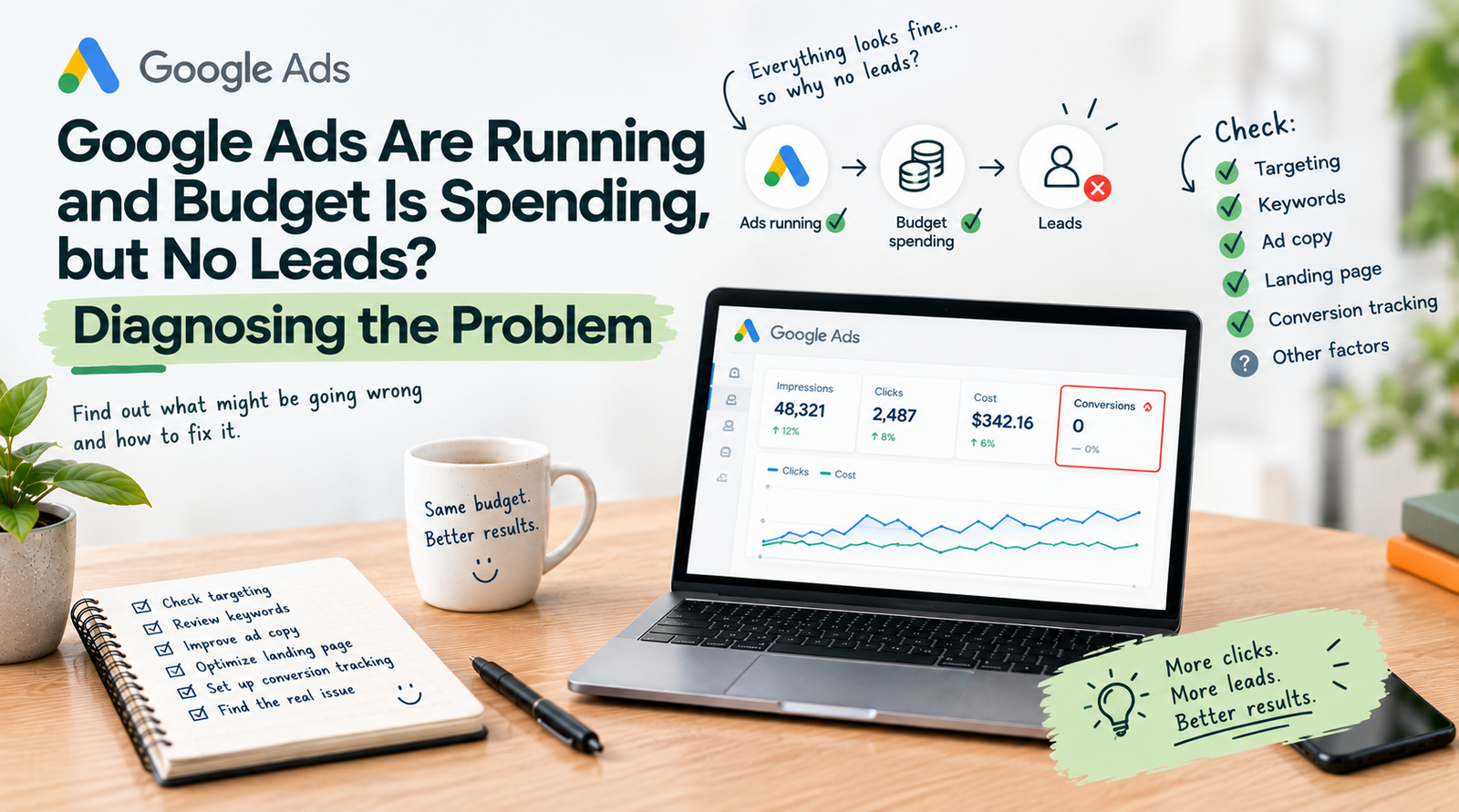
A recurring scenario in digital marketing: your Google Ads campaign is live, the dashboard shows green indicators, impressions and clicks are steadily climbing, the daily budget is being spent to the cent—yet the phone remains silent and form submissions are nowhere to be seen.
This is remarkably common. Google Ads is exceptionally efficient at generating traffic, but traffic alone does not equal revenue. When clicks do not translate into inquiries or sales, the issue typically stems from a breakdown in targeting, message alignment, or on-page conversion mechanics.
1. Search Intent Mismatch (Wrong Keywords)
The most frequent culprit is broad keyword matching that attracts informational seekers rather than commercial buyers:
- Educational vs. Transactional Queries: If you offer premium accounting services and bid broadly on "what is accounting" or "accounting software free", you will spend your entire budget on students and job seekers rather than decision-makers looking to hire a firm.
- Missing Negative Keywords: Without an exhaustive, actively maintained negative keyword list (excluding terms like "free", "salary", "jobs", "wikipedia", "course"), substantial portions of your budget leak into irrelevant clicks.
2. The Landing Page Experience Does Not Match the Ad Promise
When a prospect clicks your ad, they expect an immediate continuation of what they were promised in the ad headline:
- Sending traffic to the homepage: Directing specific ad queries to a general homepage is one of the most expensive mistakes in paid search. The user gets lost, finds no direct answer, and bounces within 5 seconds.
- Slow page load times: Mobile users will not wait 5 seconds for a sluggish WordPress page to render. If your page takes more than 2.5 seconds to become interactive, over 40% of paid visitors leave before the page even finishes loading.
- Unclear Value Proposition and CTA: Does the visitor instantly understand what you offer, why you are different, and what exact action they should take next? If the contact button is buried or the form has 12 mandatory fields, conversion rates collapse.
3. Tracking and Analytics Are Broken
Sometimes inquiries are actually being generated, but the marketing team cannot see them because conversion telemetry is poorly configured:
- Missing phone call tracking: In B2B and real estate, up to 60-70% of high-intent prospects prefer calling directly rather than filling out a form. If your site does not measure click-to-call events or dynamic call tracking, Google Ads algorithms cannot optimize for high-value callers.
- Consent Mode v2 misconfiguration: With modern European privacy standards, failing to implement Google Consent Mode v2 properly causes substantial data loss in Google Ads conversion modeling.
4. How to Fix It: A Structured Action Plan
- Audit Search Terms Report: Review the actual user queries in Google Ads over the last 30-60 days. Negate irrelevant terms immediately and switch loose broad match keywords to phrase match or exact match.
- Build Dedicated Landing Pages: Ensure every core ad group points to a laser-focused landing page with a single clear Call to Action and verified mobile responsiveness.
- Implement Precision GA4 & GTM Event Tracking: Track every form submit, phone click, email click, and brochure download so Google's Smart Bidding algorithms learn which audiences genuinely convert.
About the Author: Jakub Ruciński
Deploying enterprise-grade GA4 pipelines, GTM DataLayers, and automated lead nurturing systems using Make.com and Positive User (formerly User.com).
Consult Your Architecture