
"I Don't Know How to Measure If It Works" – How to Track Popup Effectiveness in GA4

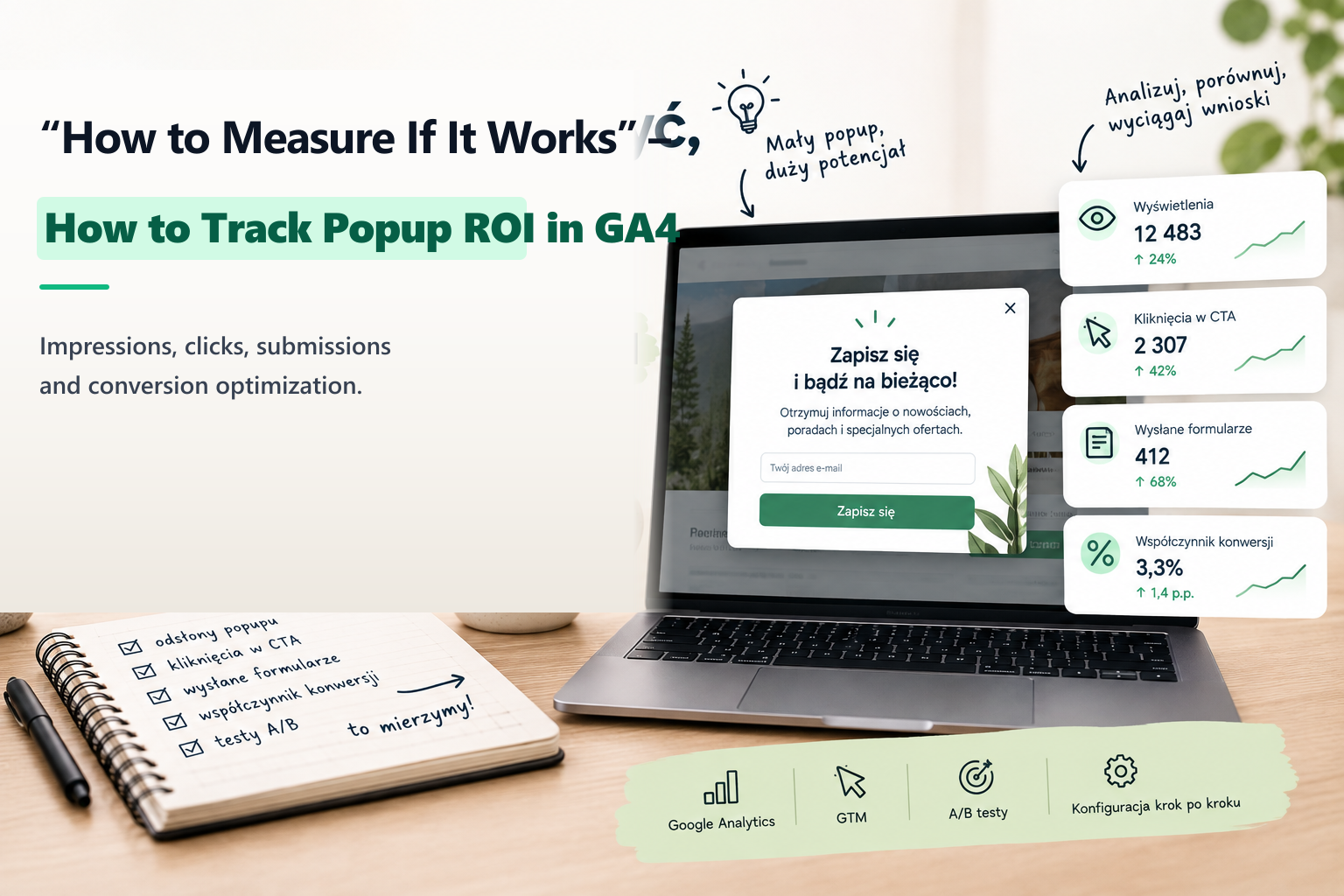
"The popup is live" – but what does that actually mean? Simply verifying that a modal appears on screen is only step zero. A popup is an investment in user attention: it must perform a concrete commercial role, whether capturing a lead, directing traffic to a high-margin promotion, or rescuing an abandoned cart.
And because it performs an action, it can—and must—be measured with statistical precision in Google Analytics 4 (GA4) and Google Tag Manager (GTM).
The Two Fundamental Types of Popups
To measure effectiveness, first identify the popup's primary objective:
- Lead Capture Popups: Modals with input fields (newsletter subscriptions, consultation requests, discount code delivery). The primary KPI is the Submission Rate (Submissions / Impressions).
- Click-Through / Promotional Popups: Modals designed to route traffic to a specific sale, product page, or lookbook. The primary KPI is the Click-Through Rate (Button Clicks / Impressions).
The 3 Essential GA4 Events Every Popup Must Fire
Without firing distinct granular events, you cannot determine your true conversion funnel:
popup_impression: Triggered the moment the modal renders in the active viewport (with parameters indicatingpopup_idandtrigger_type, e.g. exit-intent or scroll).popup_click: Triggered when the user clicks the primary Call to Action button or banner link.popup_close: Triggered when the user clicks the "X" close button, background backdrop, or presses Escape. Tracking dismissals reveals if the timing is too aggressive.popup_submit: Triggered upon successful form validation and submission.
Calculating Real Performance in GA4 & Looker Studio
In your analytics reports, evaluate the following ratios:
- Conversion Rate:
(popup_submit / popup_impression) * 100%. A healthy B2B lead popup typically converts between 2% and 5%; an e-commerce first-order discount modal often converts between 4% and 9%. - Dismissal Rate: If more than 85% of users close your popup within 2 seconds of appearing, your trigger conditions are too aggressive and causing user friction.
- Downstream Business Impact: Segment users who interacted with the popup versus those who did not, and compare their average order value, conversion likelihood, and session duration.
About the Author: Jakub Ruciński
Deploying enterprise-grade GA4 pipelines, GTM DataLayers, and automated lead nurturing systems using Make.com and Positive User (formerly User.com).
Consult Your Architecture