
How to Send Website Form Data to Your CRM Without Coding Using Make.com

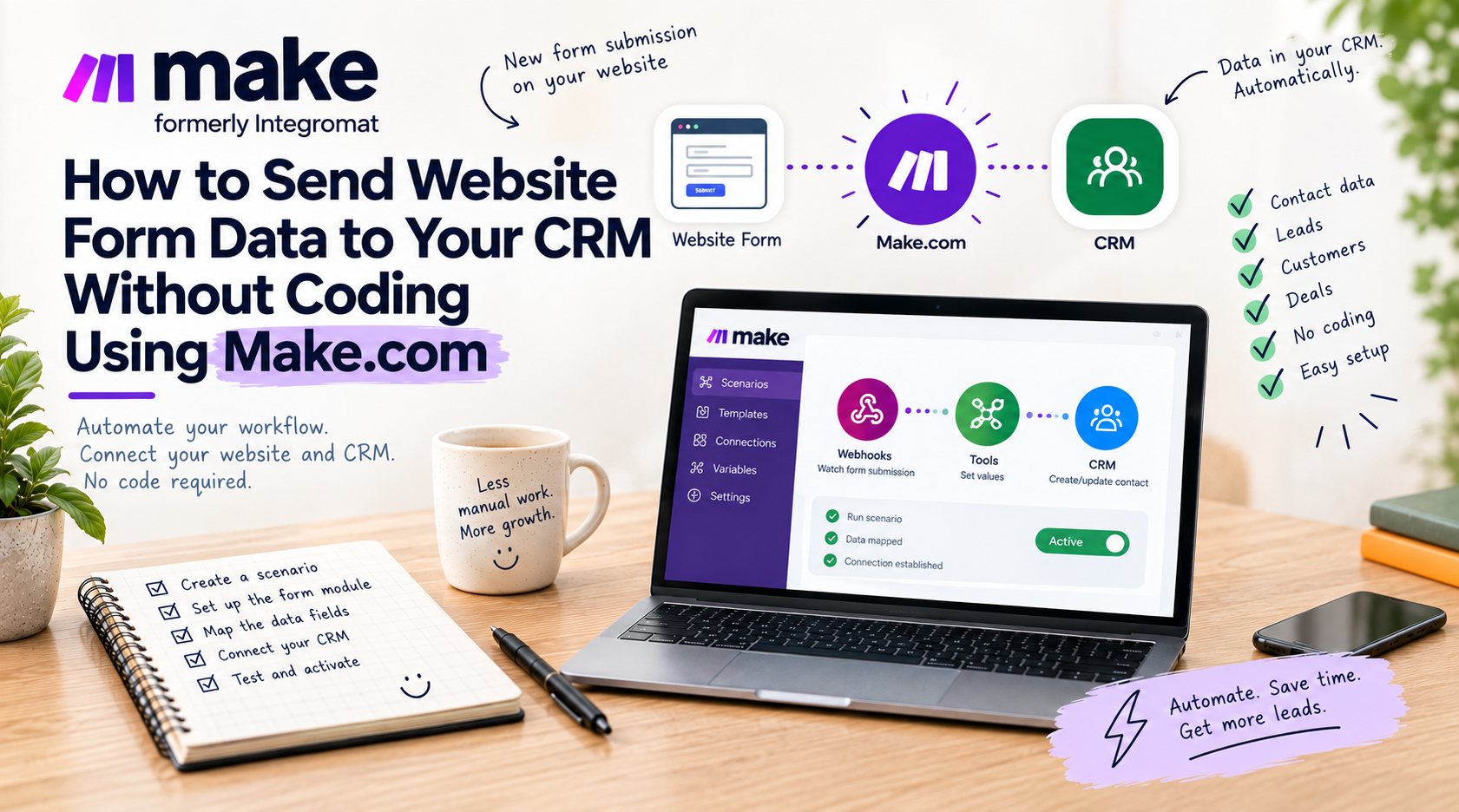
A prospective customer fills out a contact form on your website. What happens next? In many companies, an email notification lands in an inbox, someone opens it hours later, manually copies the name, phone number, and message, and pastes them into a CRM. This manual friction delays initial contact—and in B2B sales, responding within 5 to 15 minutes yields drastically higher close rates than reaching out the next day.
You can automate this entire workflow seamlessly without writing a single line of code by using Make.com.
How the Automation Works
A Make.com scenario consists of two core components: a trigger (what initiates the process) and one or more actions (what happens automatically as a result).
- Trigger: New Form Submission. Depending on your tech stack, this can be an instant Custom Webhook, a Typeform module, Elementor / Gravity Forms webhook, or native API listener. Make.com listens 24/7 for new incoming payloads.
- Data Parsing & Formatting: When a submission arrives, Make parses the fields—such as full name, email address, phone number, company name, and message notes.
- CRM Action (Create or Update Record): Make transmits the mapped fields into your CRM (HubSpot, Pipedrive, ActiveCampaign, Salesforce, Livespace, etc.). The name goes to the Contact Name field, email to Email, and project budget to Deal Value.
- Instant Team Alerts (Optional): Within the same scenario, you can post a rich notification in your team's Slack or Microsoft Teams channel or dispatch an SMS alert to the on-duty sales representative.
Key Pitfalls to Avoid
- Phone number and email formatting: Ensure phone numbers follow standardized E.164 formats (+48...) so your CRM telephony integrations operate smoothly.
- Duplicate handling: Rather than blindly creating a new contact for every form submit, configure a search step first: check if a contact with that email already exists. If yes, add a new deal or note instead of creating duplicate records.
- Error handling and retry loops: In professional deployments, always attach an error handler directive (such as Commit or Break) so temporary CRM API downtime never results in lost leads.
Summary
Connecting your website forms directly to your sales CRM ensures zero lead decay, eliminates tedious administrative overhead, and provides immediate visibility into incoming pipeline velocity.
About the Author: Jakub Ruciński
Deploying enterprise-grade GA4 pipelines, GTM DataLayers, and automated lead nurturing systems using Make.com and Positive User (formerly User.com).
Consult Your Architecture