
How to Create a Popup Without Plugins – A Simple Method That Works on Any Website

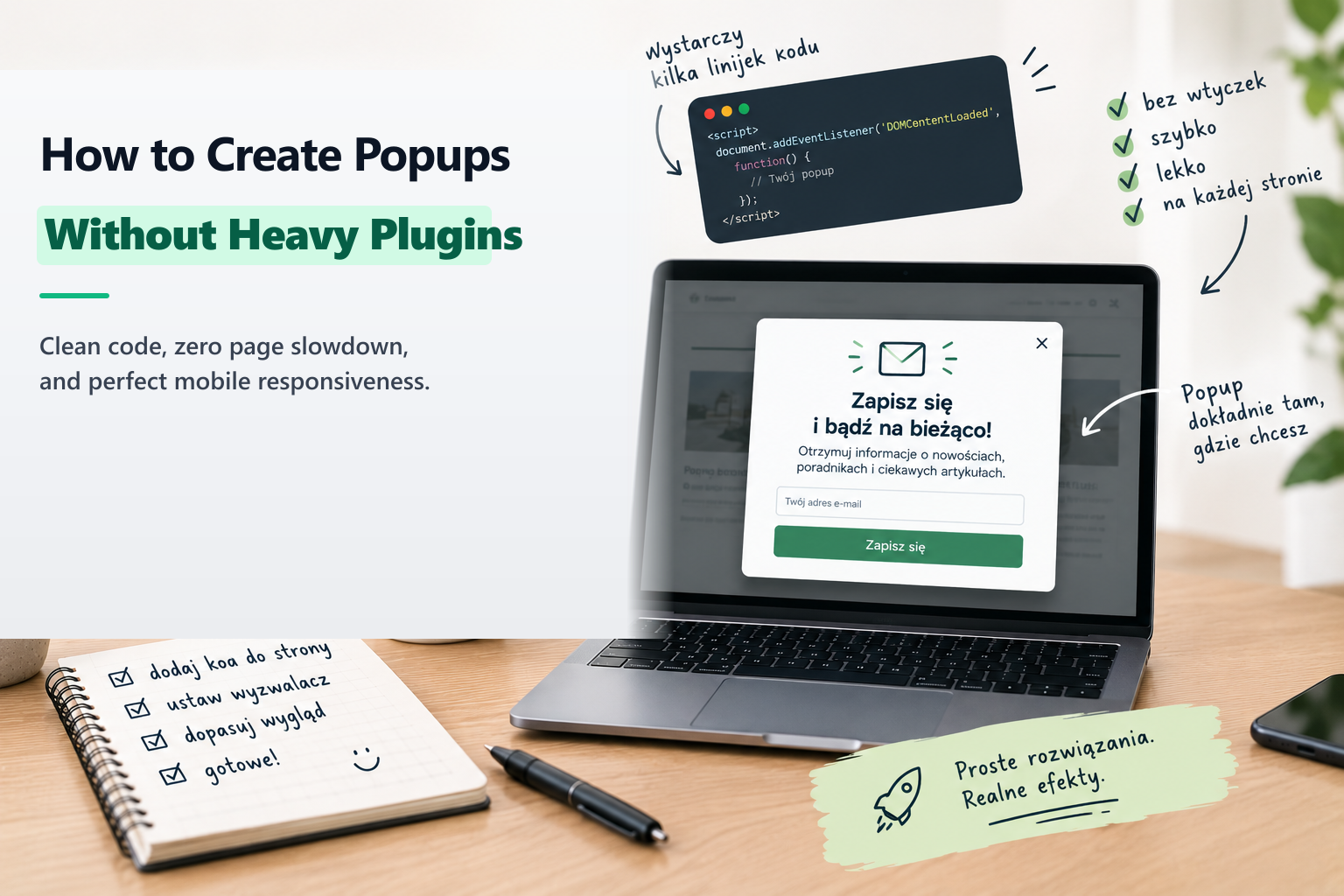
Most tutorials on creating popups arrive at the same predictable recommendation: "install another plugin." But every additional WordPress plugin increases database overhead, introduces potential security vulnerabilities, and degrades Core Web Vitals performance scores.
If you prefer a clean, ultra-lightweight solution that works universally—whether on WordPress, Webflow, Shopify, or a custom Next.js build—you can implement a popup using pure HTML, CSS, and lightweight vanilla JavaScript.
1. The HTML Blueprint
<div id="promoModal" class="light-modal" style="display:none;">
  <div class="light-modal-overlay" onclick="closePromoModal()"></div>
  <div class="light-modal-box">
    <button class="light-modal-close" onclick="closePromoModal()">×</button>
    <h3>Exclusive Strategy Guide</h3>
    <p>Download our comprehensive CRO blueprint for high-converting landing pages.</p>
    <a href="/kontakt" class="modal-cta-btn">Get Instant Access</a>
  </div>
</div>
2. The Lightweight CSS
Modern CSS allows you to create centered, blurred modal overlays with zero external libraries:
.light-modal {
  position: fixed; inset: 0; z-index: 9999;
  display: flex; align-items: center; justify-content: center;
}
.light-modal-overlay {
  position: fixed; inset: 0;
  background: rgba(0, 0, 0, 0.7); backdrop-filter: blur(8px);
}
.light-modal-box {
  position: relative; z-index: 10000;
  background: #111520; color: #fff;
  padding: 36px; border-radius: 16px;
  max-width: 480px; width: 90%;
  border: 1px solid rgba(223, 186, 109, 0.3);
  box-shadow: 0 20px 50px rgba(0,0,0,0.5);
}
3. The Vanilla JavaScript Trigger
Use simple localStorage caching to control dismissal frequency without backend queries:
function openPromoModal() {
  if (!localStorage.getItem('promo_dismissed')) {
    document.getElementById('promoModal').style.display = 'flex';
  }
}
function closePromoModal() {
  document.getElementById('promoModal').style.display = 'none';
  localStorage.setItem('promo_dismissed', 'true');
}
setTimeout(openPromoModal, 15000); // Trigger after 15 seconds
The Result
A sub-kilobyte modal with zero dependencies, 100% page speed preservation, and complete control over design and behavior.
About the Author: Jakub Ruciński
Deploying enterprise-grade GA4 pipelines, GTM DataLayers, and automated lead nurturing systems using Make.com and Positive User (formerly User.com).
Consult Your Architecture