
"I Don't Want to Annoy Users" – How to Build High-Converting, Non-Intrusive Popups

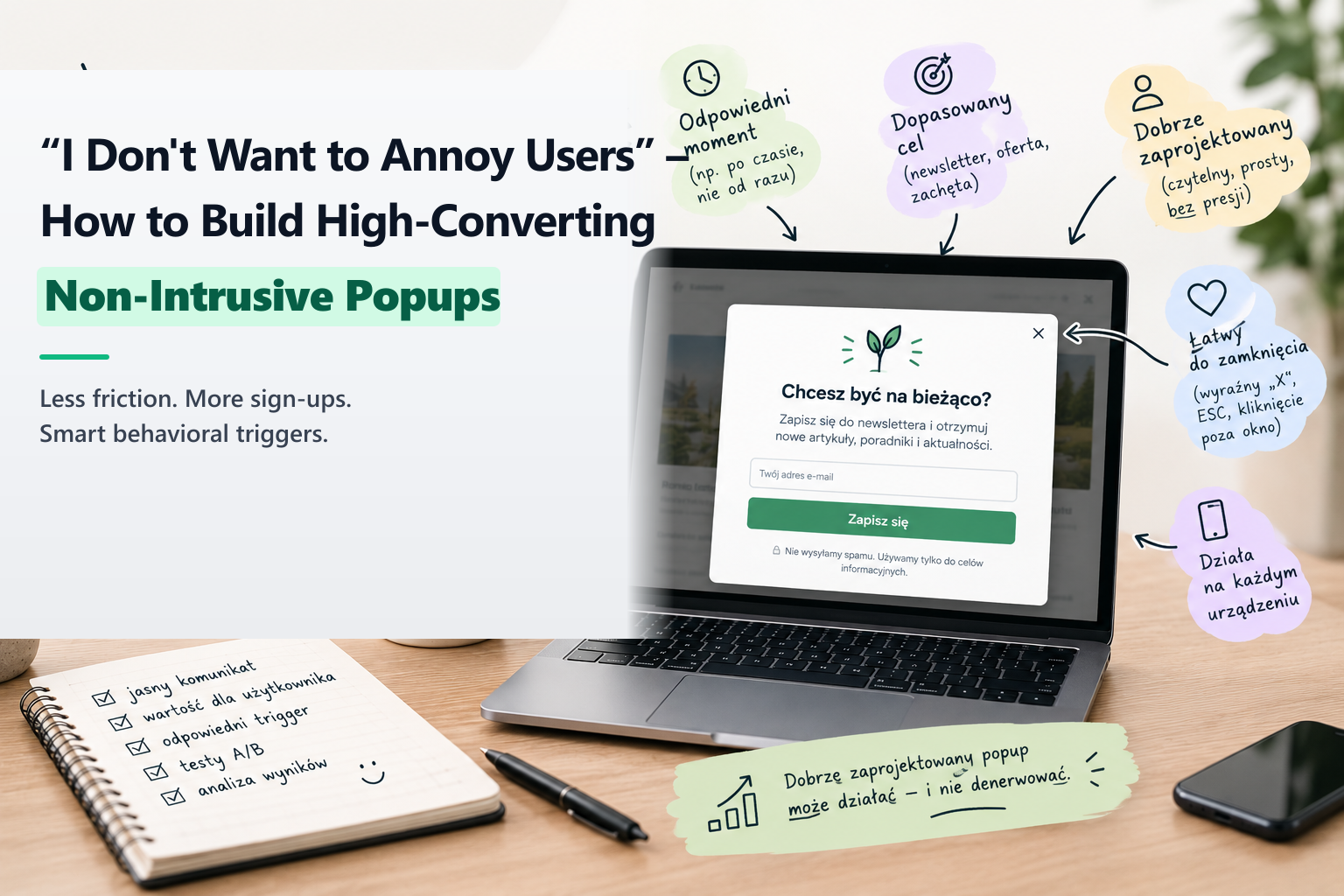
"Popups don't work." It is one of those dogmatic statements repeated in marketing discussions as frequently as "newsletters are dead" or "nobody reads blogs anymore." The reality is quite the opposite: popups work exceptionally well—when executed with behavioral discipline and respectful user experience.
The poor reputation of popups stems from lazy implementations: modals that violently blindside the user the millisecond the page loads, covering mobile viewports and demanding email addresses before the visitor has even read a single headline.
Rule 1: Time and Scroll Depth Triggers (Give Value First)
Never show a general popup on zero seconds. Allow the visitor to orient themselves and verify that your content solves their problem:
- Time-based delay: Wait until the user has spent at least 25 to 45 seconds actively reading.
- Scroll depth: Trigger the modal only after the reader has engaged with at least 50% or 60% of the article. At that point, they have proven genuine interest in your subject matter.
Rule 2: Exit-Intent on Desktop
Exit-intent listeners monitor cursor velocity toward the browser tab bar. When the visitor is already preparing to leave, presenting a compelling last-chance value offer (such as a checklist, free template, or private consultation) captures leads without disrupting their active reading experience.
Rule 3: Strict Frequency Capping (Don't Be a Nuisance)
If a visitor closes your modal, respect their decision:
- Store a timestamp in
localStorageor a cookie. - Suppress the popup for at least 7 to 14 days following a dismissal.
- If a user has already submitted the form, permanently hide the modal for that user.
Rule 4: Effortless Dismissal & Mobile Ergonomics
Make closing the popup instantaneous. Ensure the "X" close icon has a generous touch target (at least 44x44px), permit closing by tapping the background overlay or pressing the Escape key, and never block mobile users with oversized full-screen walls that violate Google mobile usability standards.
About the Author: Jakub Ruciński
Deploying enterprise-grade GA4 pipelines, GTM DataLayers, and automated lead nurturing systems using Make.com and Positive User (formerly User.com).
Consult Your Architecture