
How to Build a Custom Website Popup Without Waiting for Developers

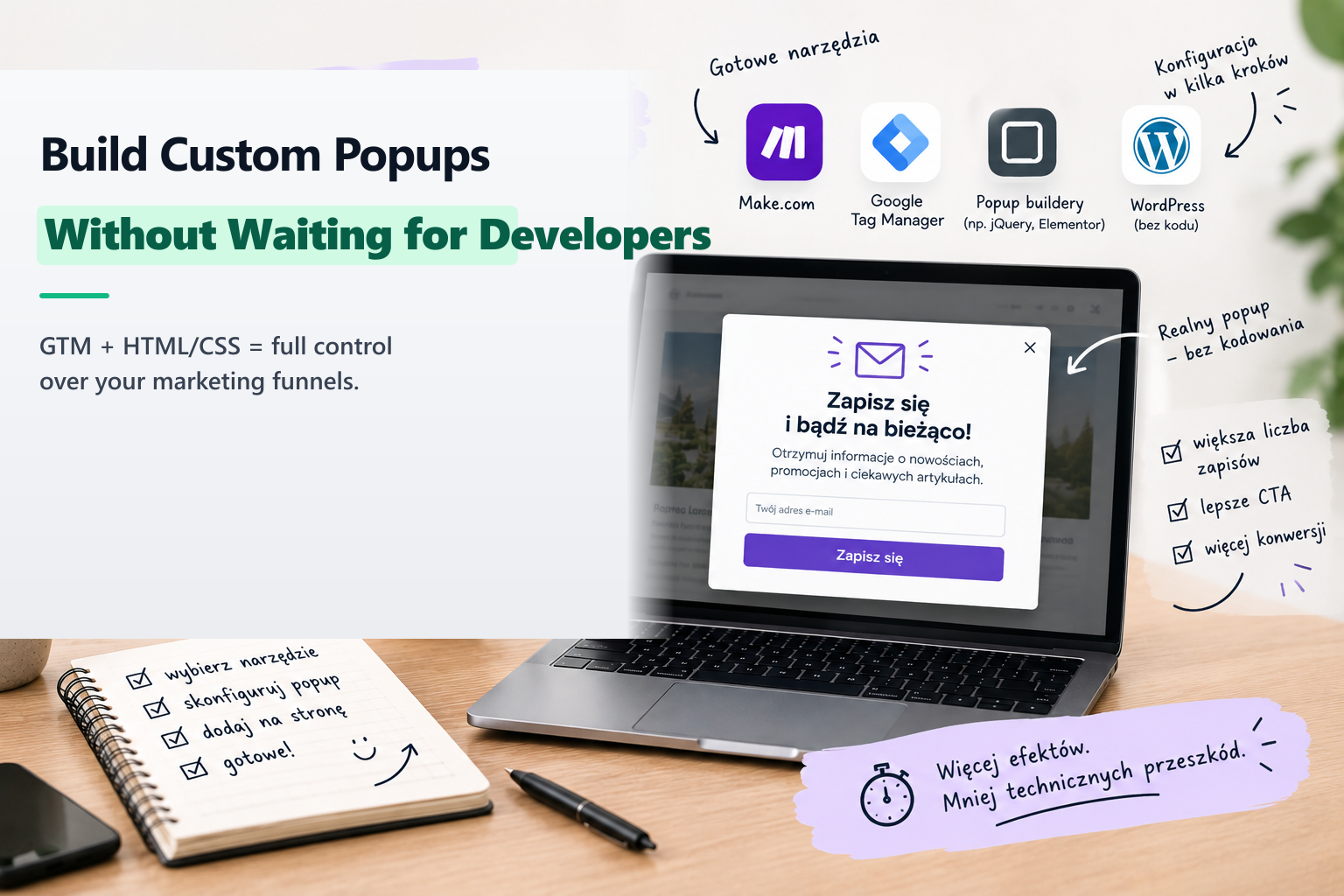
You have launched a high-priority campaign or limited-time promotional offer and need an engaging banner or popup modal to highlight it on your website. However, your development team is knee-deep in complex product sprints, core infrastructure, and bug fixes. Adding a simple marketing popup to the sprint backlog might take weeks.
Fortunately, you do not need to wait. If your website already has Google Tag Manager (GTM) installed, you have everything necessary to build, style, and deploy a responsive modal independently.
The GTM Custom HTML Advantage
Google Tag Manager is not limited to third-party tracking scripts. Using GTM's Custom HTML Tag, you can inject clean HTML markup, responsive CSS, and behavioral JavaScript directly into the browser DOM.
Key Implementation Steps
- Draft the Modal Structure: Write clean, lightweight HTML containing your container, text, input fields, CTA button, and close icon.
- Add Self-Contained CSS: Style the modal with modern dark glassmorphism or your exact brand typography. Scope your classes (e.g.
.custom-gtm-popup) so styles never collide with existing site stylesheets. - Configure GTM Triggers: Create triggers based on scroll depth (e.g. 50%), timer delays (e.g. 20 seconds), or specific URL regex patterns to ensure the modal only appears on relevant product categories.
- Test in GTM Preview Mode: Open Tag Assistant, navigate your site, and verify that the popup appears under the intended conditions and renders cleanly across desktop and mobile screens.
About the Author: Jakub Ruciński
Deploying enterprise-grade GA4 pipelines, GTM DataLayers, and automated lead nurturing systems using Make.com and Positive User (formerly User.com).
Consult Your Architecture